Obsidian as a Personal AI Knowledge Assistant
Wednesday, 09 July 2025 · 4 minsLike many researchers, I’ve struggled with information overload. Between work projects, technical deep-dives, and random ideas worth remembering, I needed a system that could handle it all without becoming a burden.
About a year ago, I switched from org-mode to Obsidian. The goal was simple: create an external memory system where I could dump everything and actually find it later. It’s become the single place where I store work notes, research findings, meeting summaries, and even daily observations.
The setup is straightforward. Each day gets its own markdown file (2025-07-09.md) with basic info like weather, location, and meetings, plus whatever happened that day.
The real power comes from linking. Obsidian’s wikilinks let you create connections on the fly: [[John Doe]] for people, [[Project X]] for projects, [[Company Name]] for organizations. Over time, this builds a knowledge graph that connects everything automatically.
I organize things in folders for easier navigation:
/Events/           # Conferences and workshops
/Dailies/          # One file per day
/Meetings/         # Detailed meeting notes
/People/           # Contact info and history
/Projects/         # Project documentation
/Companies/        # Organization profiles
/IETF/             # Standard documents
....               # and more
Nothing revolutionary, but it works. The key is consistency and linking related content. When I check [[John Doe]], I can see all the meetings and project discussions we’ve had thanks to dataview scripting.
Recently, I started experimenting with Amazon Q Chat as a way to query my notes. The combination has been surprisingly useful. Instead of manually searching through files, I can ask specific questions and get answers pulled from my own documentation. Q Chat reads my files and uses standard CLI tools like rg and find to search through everything.
Here’s a typical interaction. I had a vague memory of reading about a chip company in Boise in “Chip Wars”:
[obsidian] > I remember there was a chip company in Boise

🛠️  Using tool: execute_bash
 ⋮
 ● I will run the following shell command:
grep -r -i "boise\|chip.*company\|semiconductor" "/Users/ejajimn/Library/Mobile Documents/iCloud~md~obsidian/Documents/obs" --include="*.md" -A 2 -B 2
 ⋮
 ↳ Purpose: Search for Boise and chip company mentions
Then it would read a bunch of my files and return:
 ⋮
 ● Completed in 0.412s


> Perfect! Based on your notes, the chip company in Boise you're remembering is Micron Technology.

From your "Chip War" book notes, I can see that:

Micron Technology was founded in 1978 by twin brothers Joe and Ward Parkinson in the basement of a Boise
dentist office. It was backed by John Simplot, Idaho's "potato plutocrat" who made his fortune with the J.R.
Simplot Company (the agricultural supplier that partnered with McDonald's for frozen french fries).

Key details:
• Founded in Boise, Idaho in 1978
• Started in a dentist's basement
• Founded at "the worst possible time to start a memory chip company"
• Backed by John Simplot's investment
• Specializes in DRAM memory chips and data storage solutions
• Now recognized as the only U.S.-based manufacturer of memory

It's quite a story - from a potato fortune to backing one of America's major semiconductor companies, all
starting in a Boise dentist's basement!
Another example:
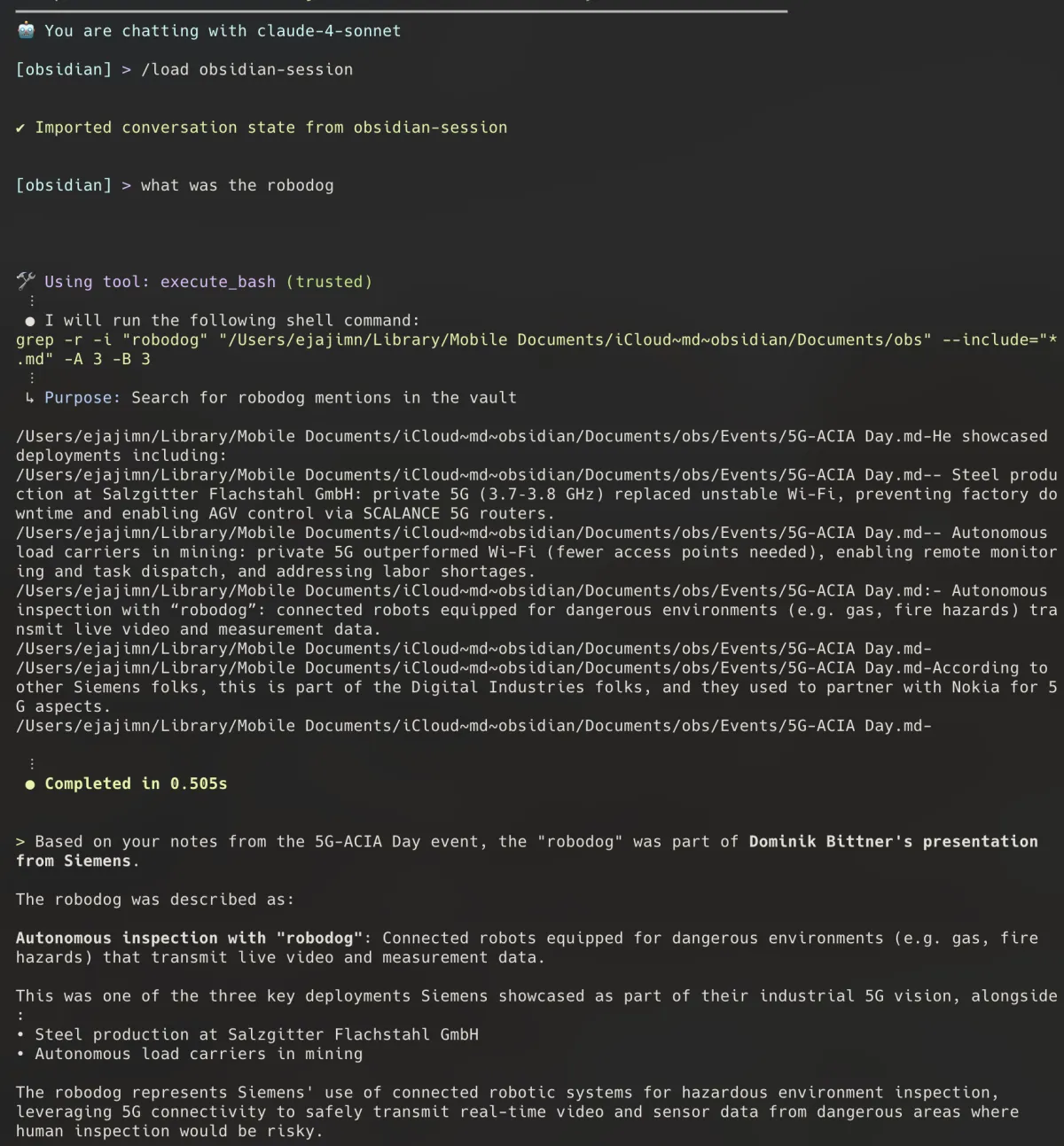
Or when I need to recall technical details from conferences:
[obsidian] > what was ECDH PSI?

> ECDH PSI stands for Elliptic Curve Diffie-Hellman Private Set Intersection.

From your March 16th notes, you learned about this from Yuchen Wang and Wenting Chang at IETF 122 Hackathon.
They presented "A python POC implementation of ECDH PSI's math" which is reflected in their draft: https://
datatracker.ietf.org/doc/html/draft-wang-ppm-ecdh-psi-01

PSI (Private Set Intersection) is a cryptographic technique that allows two parties to compute the
intersection of their datasets without revealing the elements that are not in the intersection. The ECDH
variant uses elliptic curve cryptography for this purpose.
Unfortunately this does not improve my understanding about elliptic curve cryptography but at least I remember the context!
You can also do more complex queries like:
[obsidian] > write a report only with the work related items I did on the 2nd week of march
[obsidian] > how often did I meet John Doe and were?
[obsidian] > What was the outcome of draft xyz?
The system isn’t perfect, but it’s been genuinely helpful. Combining structured note-taking with AI search has made my personal knowledge base much more accessible. It’s still a bit hacky, but I suspect this kind of contextual AI assistance will become standard in future productivity tools.