You can shape your Internet content
Tuesday, 01 September 2026 · 5 minsUser interfaces feel a bit hostile at times, but we can now shape the content we consume in ways we couldn’t before. For the last ten or twenty years software has consolidated into a handful of big vendors, and somewhere along the way the user stopped mattering much. Especially for anything paid for by ads, but not only there. We turned into data points to study, attention to grab, and someone to sell a product to. IMO there is no respect for the user anymore.
The clearest example is short-form video. Reels, Shorts, whatever each app calls them. They are built to hook you with quick hits of dopamine, and they work too well. One brain-imaging study found that the personalized clips the algorithm picks for you light up the brain’s reward system far more than generic ones. It is terrible for kids, and it is not much better for adults or the elderly. The companies know this and keep pushing it anyway, because your time in the feed is time they can sell ads.
And you cannot turn it off. Go to YouTube and try to disable Shorts. The best you get is “show fewer”, and only for a while. There is no switch that removes it. You can block YouTube itself via DNS, or fiddle with Apple settings to block some URL paths, but it is a mess and nobody seems to care. Neither Google nor Apple has much reason to give you a clean off switch, they make plenty from the current setup, like the roughly 20 billion dollars Google pays Apple to stay the default search. For most people it is basically impossible to get any granular control, so you are left with the clumsy mess you are given.
But now with AI, things are quite different. Anyone mildly technical can describe what annoys them about an interface in plain English and, after tinkering a bit, get something that fixes it: a new app, a little script, or whatever fits. I am particularly fond of userscripts myself and I recommend everyone to play with them and take back control of their devices. Below are a few I wrote recently.
With the first one I wanted to get rid of Shorts. I still want to watch the occasional long-form YouTube video, so the script does two small things: it turns any Short back into a normal video in the usual player, and it removes the Shorts icon from the bottom bar. The rest of YouTube keeps working. After a few days I noticed I did not crave them anymore, because there was nothing to reach for.
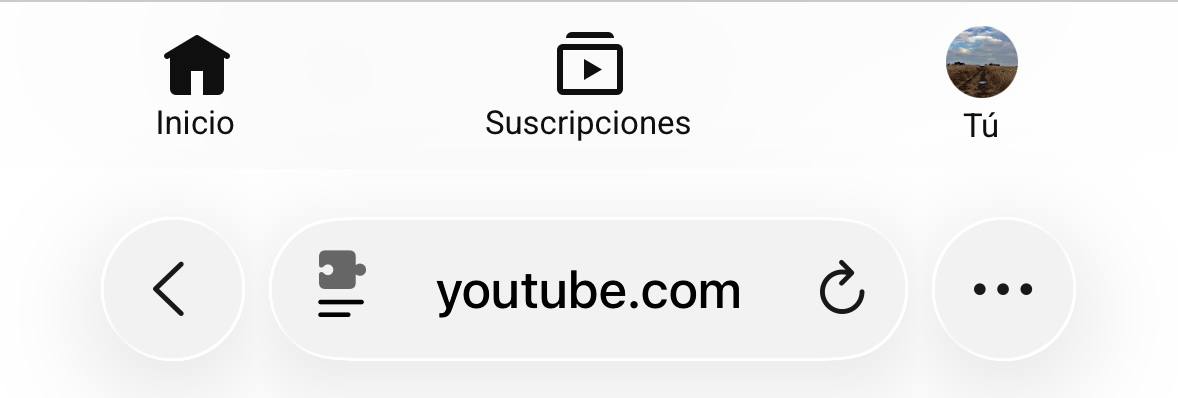 The bottom bar after the script runs, with the Shorts tab gone.
X has the same problem in its full-screen video viewer, where a swipe up feeds you the next clip, and the next. A second script keeps the viewer so I can still tap a video and watch it big with sound, but it kills the vertical swipe. Taps, the close button and horizontal swipes through a tweet’s images all keep working.
Another script is for translation. Chrome has Google Translate built into every site, Safari does not. On the iPhone, Chrome cannot run userscripts but Safari can, so I use Safari, which meant coming up with something myself. The apps I found ask for hundreds of euros for live translation, bundled with a lot of bloat and crap nobody wants. Translating a site properly means replacing the text inside the HTML and rendering it in place, and a model writes a script that does that in one go.
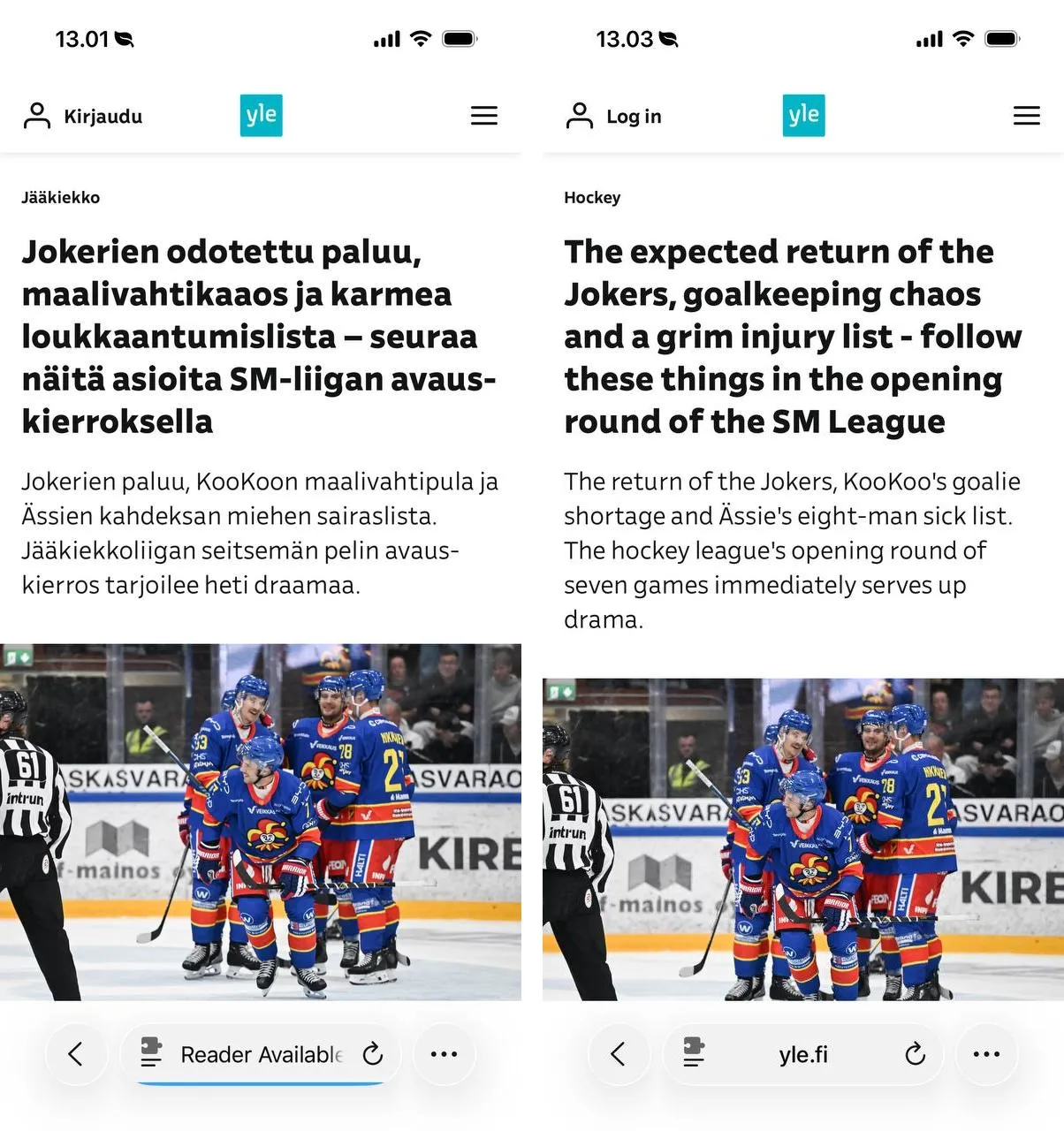 The same yle.fi article before and after, side by side: identical layout, photo and working links, only the words turn English.
A nice side effect is that the same script also translates video subtitles in real time. The captions on a page are just text the site keeps rewriting as the video plays, so the script picks up each new line and turns it into English as it appears. No separate tool, no waiting for a caption track, it just works on whatever is playing.
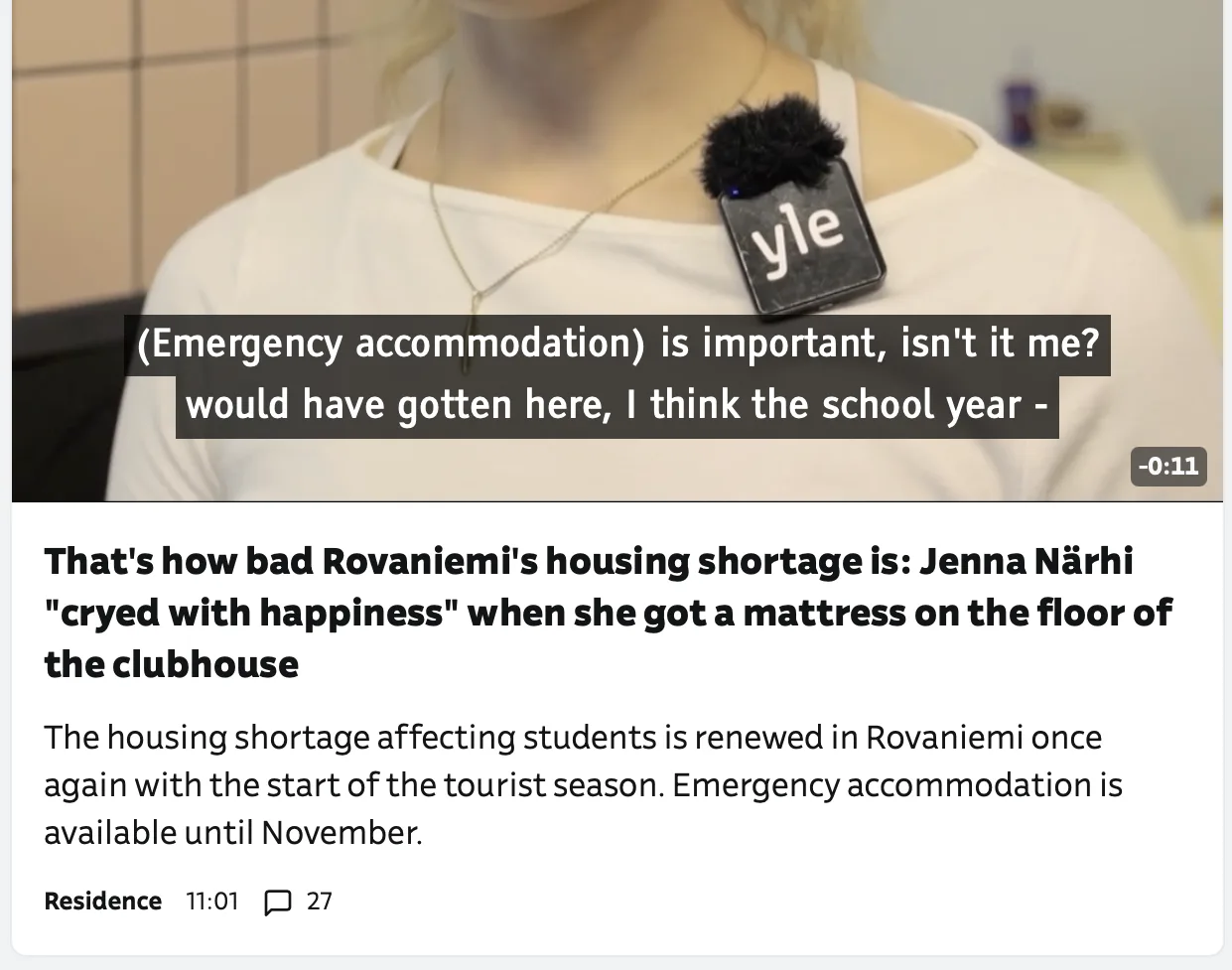 A yle.fi video with the Finnish captions rendered in English as it plays.
The setup itself is just Safari on the phone, the free Userscripts extension, and one folder holding the scripts so they sync across my devices. Each script is a small file I can read top to bottom, so I know exactly what it does and what it sends where. You cannot say that about most extensions you install.
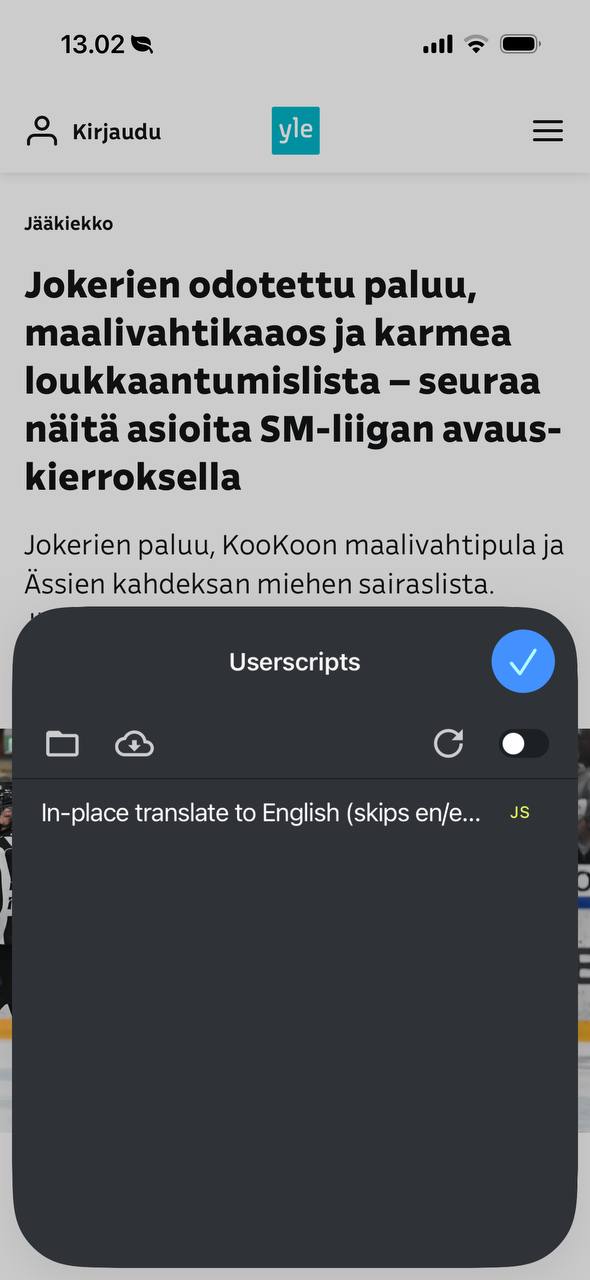 The Userscripts extension in Safari, with the translate script in the list. Flip it on and it runs on the pages you allow.
The time from “I wish this thing did not do that” to a working fix is now the time it takes to describe the problem to a model. All three scripts are below. Read them first, they are short, then drop them into the Userscripts extension.
- no-youtube-shorts.user.js: redirects Shorts to the normal player and hides the Shorts tab.
- no-x-video-swipe.user.js: keeps X’s video viewer but kills the vertical swipe feed.
- translate-inplace.user.js: translates any non-English page, and its video subtitles, into English in place.